
Open your PiyoLog export
See every feed, nap and diaper in your file, day by day. Then bring the whole history into Coo in a few taps.
- Free, with no sign-up
- Read in your browser, never uploaded
- The same file imports straight into Coo
Drop your PiyoLog text here
or pick the file, or paste the text
Stays in this browser. Your file is never uploaded.

What’s in a PiyoLog export?
PiyoLog shares its log as plain text, one month per file. It starts with [PiyoLog] and the month,
then gives each day its own section between lines of dashes: a date, your baby’s name, and one line per record
with the time first. So a whole history takes one file for each month.
Each line reads the way the app does: Breastfeeding L 7m → R 6m, Formula 50ml,
Pee, Poop. Sleep is two lines, Sleep and Wake-up (0h 25m),
and a wake-up with no sleep before it shows ( ! ). A memo follows the record after a wide gap.
This page joins each sleep and its wake-up into one record with its length.
Date lines follow your phone’s region rather than the app’s language, so they can look different from the records. Each day ends with its totals, then any diary you wrote that day, which this page keeps as a note on the date. Coo reads PiyoLog’s English export for now.
How it lands in Coo
| In PiyoLog | In Coo |
|---|---|
| Breastfeeding | A feed with minutes per side, and the starting side when the arrow shows it |
| Formula and breast milk | A bottle feed with its amount |
| Sleep and Wake-up | Fell asleep and woke up, so the length is worked out again |
| Pee and Poop | A wet or soiled diaper. Both at the same minute become one change |
| Pumping | Pumping, with the amount |
| Body Temp and Medicine | A temperature, and a medicine called Medicine with your memo in the note |
| Height, Weight, Head Size | A growth check. Parts logged at the same minute become one |
| Baths, Vaccine, Notes | The matching built-in events |
| Hospital, Solid Food, Others, records you named | Custom events named after them, with details in the note |
| Daily totals | Left out, because Coo adds up its own |
| Daily diary | Shown on this page only. Coo’s import doesn’t bring it in |
Questions about PiyoLog exports
Is my PiyoLog file uploaded anywhere?
No. This page reads the file or text inside your browser, and nothing is sent to Coo or anyone else. Close the tab and it’s gone.
How do I export my data from PiyoLog?
In PiyoLog, open the menu, tap Export records and pick a month. Share it as text, then paste it here or save it to Files and choose it. One file holds one month, so repeat this for each month you want to see.
Can I import my PiyoLog data into Coo?
Yes. In Coo, go to Profile → Import Events → PiyoLog, then paste the text or tap Choose File. Do it once per month. Coo shows a preview before anything is added and skips events already in your log, so importing the same month twice adds nothing.
What comes across from PiyoLog to Coo?
Feeds, sleep, diapers, pumping, temperature, medicine, growth, baths, vaccines and notes, each with its memo. Hospital visits, solid food, Others and records you named yourself become custom events named after them. The day’s totals and diary stay behind: Coo adds up its own totals, and the diary shows on this page but isn’t imported. Coo reads PiyoLog’s English export for now.
Can I open a PiyoLog export in Excel?
It’s plain text rather than a table, so a spreadsheet won’t sort it into columns for you. After you open your file here, Download spreadsheet gives you one tab per kind of record for Excel, Numbers or Google Sheets.
Is Coo free?
Yes. Coo is free on iPhone and Apple Watch, with every feature included. There are no in-app purchases, no ads and no account to create.
What your log moves into
One tap, then put the phone down
Every log is a moment, so there’s no timer to start, stop or forget. Tap “Feeding started”, then “Feeding ended” later, and Coo works out how long it lasted.
Tapped the wrong thing? Undo.
Every log, edit and delete shows an Undo button, going back up to 10 changes. Off by a few minutes? Hold the event and drag it to the right time.
Your partner, on their own phone
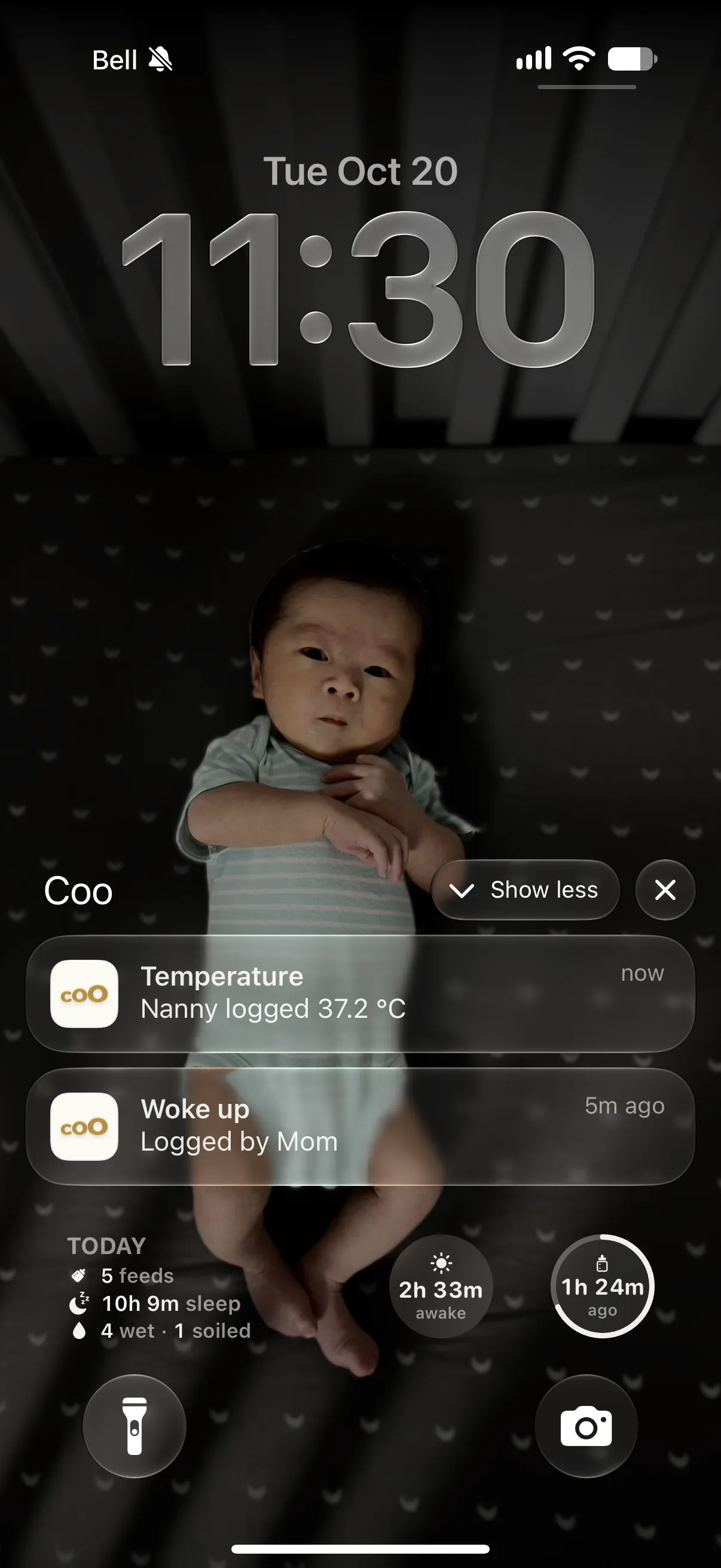
Invite a partner, grandparent or nanny through iCloud. Each of them logs from their own Apple ID, with no account to create and no password to pass around.
Your PiyoLog history keeps working
Imported days sit beside new ones in the Week and Month views, so the patterns are there from day one. Hold anywhere to read them: “Asleep at this time on 6 of 7 days.”
From PiyoLog to Coo in three steps
-
Export from PiyoLog
Open the menu, tap Export records and pick a month. Share it as text, or save it to Files. One file holds one month, so repeat for each month.
-
Check it here
Drop the file in. You’ll see your totals and every day of records, read right in this browser.
-
Import into Coo
In Coo, go to Profile → Import Events → PiyoLog and choose the same file. Review the preview, then add.
One tap per feed. No timer to watch.
Coo is a free baby tracker for iPhone and Apple Watch. Bring your PiyoLog history with you and keep going.
PiyoLog and its app icon are trademarks of their owner. Coo isn’t affiliated with or endorsed by PiyoLog.