
Open your Nara Baby export
See every feed, nap and diaper in your file, day by day. Then bring the whole history into Coo in a few taps.
- Free, with no sign-up
- Read in your browser, never uploaded
- The same file imports straight into Coo
Drop your Nara Baby CSV here
or pick it from your files
Stays in this browser. Your file is never uploaded.

What’s in a Nara Baby export?
Nara Baby’s Export Data creates one CSV file for one child. Each row is one logged activity, newest first: a feed, a sleep, a diaper, a pump, a medicine or temperature, a routine, solids, growth, a vaccine or a milestone.
The table is wide, with around 70 columns. A few are shared by every row, such as the activity type, the
local start time, the time zone, the note and the caregiver who logged it. The rest are named after the
activity they belong to, like [Breastfeed], [Diaper] or [Pump], so each
row fills in only its own and leaves the others blank.
Durations are stored in seconds and amounts have their unit in a neighbouring column. Several medicines or foods can share one field, and photos appear by file name only, so the images aren’t in the file.
How it lands in Coo
| In Nara Baby | In Coo |
|---|---|
| Breast and bottle feeds | Feeds, with side, length or amount |
| Combo feeds | One feed. If there was nursing, the bottle goes in its note |
| Sleep | Fell asleep and woke up, so the length is kept |
| Diapers | Wet, soiled or both, with color and texture in the note |
| Pumping | Pumping, with the total amount |
| Medicine and temperature | One event per medicine, plus a temperature |
| Growth and vaccines | Growth checks and vaccines |
| Bath and tummy time | The matching built-in events |
| Solids, milestones, firsts, other routines | Custom events named after them, with details in the note |
Questions about Nara Baby exports
Is my Nara Baby file uploaded anywhere?
No. This page reads the file inside your browser, and nothing is sent to Coo or anyone else. Close the tab and it’s gone.
How do I export my data from Nara Baby?
In Nara Baby, open the Activity screen, tap the avatar next to your child’s name and tap Export Data. That saves one CSV for that child. Nara’s FAQ says you can still view and export your log without a subscription.
Can I import my Nara Baby data into Coo?
Yes. In Coo, go to Profile → Import Events → Nara Baby, tap Choose File and pick the CSV as Nara saved it. Coo shows a preview before anything is added and skips events already in your log.
What comes across from Nara Baby to Coo?
Feeds, sleep, diapers, pumping, medicine, temperature, growth, vaccines, solids, routines, milestones and firsts. Anything Coo has no event type for becomes a custom event named after it, with the details in its note. Photos don’t come across, because Nara’s file only lists their names.
Can I open a Nara Baby export in Excel?
Yes, but the raw CSV has around 70 columns on every row, so it’s hard to read. After you open your file here, Download spreadsheet gives you one tab per kind of record for Excel, Numbers or Google Sheets.
Is Coo free?
Yes. Coo is free on iPhone and Apple Watch, with every feature included. There are no in-app purchases, no ads and no account to create.
What your log moves into
One tap, then put the phone down
Every log is a moment, so there’s no timer to start, stop or forget. Tap “Feeding started”, then “Feeding ended” later, and Coo works out how long it lasted.
Tapped the wrong thing? Undo.
Every log, edit and delete shows an Undo button, going back up to 10 changes. Off by a few minutes? Hold the event and drag it to the right time.
Your partner, on their own phone
Invite a partner, grandparent or nanny through iCloud. Each of them logs from their own Apple ID, with no account to create and no password to pass around.
Your Nara history keeps working
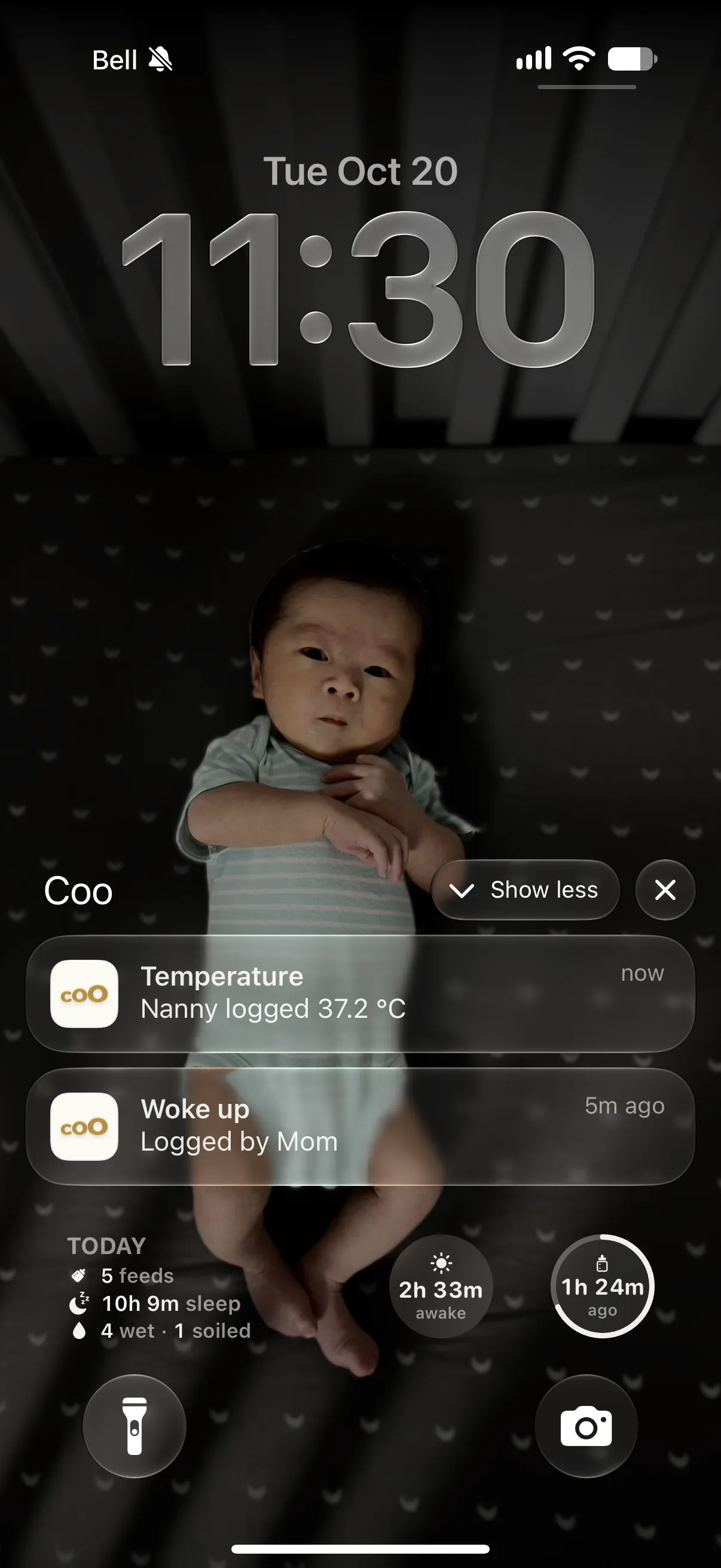
Imported days sit beside new ones in the Week and Month views, so the patterns are there from day one. Hold anywhere to read them: “Asleep at this time on 6 of 7 days.”
Coo and Nara Baby at a glance
| Feature | Coo | Nara Baby |
|---|---|---|
| Price | Free. Every feature, no in-app purchases. | $9.99 a month or $99.99 lifetime, after a 7-day free trial. |
| Logging a feed | One tap to start, one to end. No timer. | A timer to start and stop, or type the times by hand. |
| Tapped the wrong thing | An Undo button after every change. | Open the entry to correct it. We couldn’t find an Undo. |
| Account | None. Sharing goes through iCloud. | Required for each caregiver. |
Nara Baby goes further on pregnancy and postpartum tracking, multiple children, solids and Android. The full comparison covers both sides, with sources.
See the full comparisonFrom Nara Baby to Coo in three steps
-
Export from Nara Baby
Open the Activity screen, tap the avatar next to your child’s name and tap Export Data. Save the CSV to Files.
-
Check it here
Drop the file in. You’ll see your totals and every day of records, read right in this browser.
-
Import into Coo
In Coo, go to Profile → Import Events → Nara Baby and choose the same file. Review the preview, then add.
One tap per feed. No timer to watch.
Coo is a free baby tracker for iPhone and Apple Watch. Bring your Nara Baby history with you and keep going.
Nara Baby and its app icon are trademarks of Nara Organics, Inc. Coo isn’t affiliated with or endorsed by Nara Baby.